

What a passkey is, and where WebAuthn fits
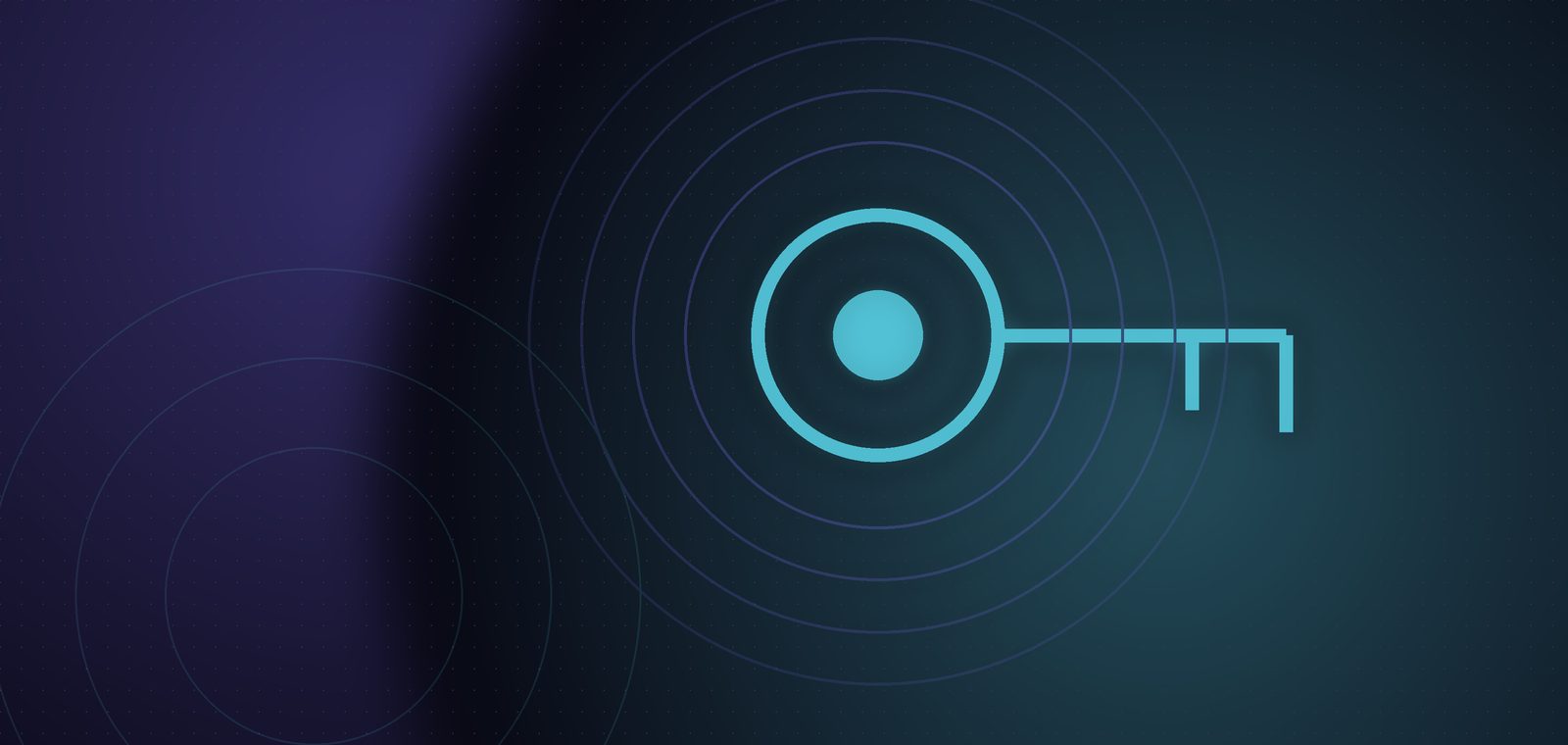
A passkey is a credential that replaces a password. It is built on the W3C WebAuthn standard together with FIDO Alliance specifications. When a user creates one, their device generates a matched pair of keys: a public key stored on your server, and a private key that stays on the user's device.
At sign-in the server sends a random challenge. The device signs it with the private key after the user unlocks with a fingerprint, face or the device PIN, and the server checks the signature with the public key. No shared secret ever travels over the network.
For the user it feels like the normal screen unlock they already do to open a banking app. Platform vendors such as Apple, Google and Microsoft can sync passkeys across devices on the same account, so people do not start from zero each time they change phones.
Why it resists phishing
Passwords get phished because users type them into a convincing fake site. A passkey is bound to the domain it was created for. The browser will not offer a passkey for yourbank.co.th on a site like yourbank-login.example, even if the user wants to continue.
There is also no password sitting on your server to steal. If the database leaks, an attacker gets public keys, which cannot be used to sign in, and there is no SMS code that can be intercepted or talked out of someone. Passkeys do not fix everything, though: if the user's device is controlled by malware, or your account recovery is weak, attackers can still get around them.
Rolling it out in your app
You do not need to remove passwords on day one. The safer path is to add passkeys as an option next to them, then reduce the role of passwords as most users move over.
Use maintained WebAuthn libraries on both server and browser rather than writing signature checks yourself, since a small mistake in the details can become a vulnerability. Store the credential ID and public key per user, and allow each user to hold several passkeys.
- Pick a library or identity provider that supports WebAuthn, and test on the phones and browsers your customers really use.
- Offer passkey creation right after a successful sign-in, for example after a password or email verification.
- Support conditional UI so the browser can suggest a passkey in the email field automatically.
- Track the share of sign-ins completed with passkeys, and where users abandon the flow.
- Once adoption is solid, let users choose to turn off their own password.
Fallback and account recovery
Users lose devices, change phones and use browsers that do not support passkeys. Without a safe way out, support fills up with locked-out people, and recovery ends up being the weakest path, which is exactly where attackers will go.
A workable pattern is to encourage registering more than one passkey, keep a hard-to-abuse backup such as an email link or a recovery code the user stores, and define a clear identity check for high-value accounts. Notify users by email or LINE on every recovery, and add a waiting period before changing how an account verifies identity.
A sign-in system is only as strong as its weakest way back in.
UX tips that help people understand
The word passkey is still new to most users. Describe it in pictures and plain words, such as "sign in with your fingerprint or device unlock", and then mention the name. Add a short note that nothing secret is sent anywhere, and show screenshots of the prompts they will see.
Time the offer carefully. Do not pop up a passkey prompt before the user has finished what they came to do. Offer it after a successful sign-in or checkout, always keep a "use another method" link, and let people name their passkeys in account settings, such as "My iPhone", so they can manage or remove them.
Key takeaways
- A passkey is a public/private key pair on the WebAuthn standard, with no shared secret to send or store.
- Because it is bound to the domain, it resists fake sites better than passwords or SMS codes.
- Add it alongside passwords first, then reduce the role of passwords over time.
- Design fallback and recovery carefully, since attackers target the weakest route.
- Explain it in plain words, offer it at the right moment, and always keep another option.
FAQ
Related services
Have a project like this in mind?
Tell us where you are today and we will suggest a sensible first step, with no obligation.
Talk to us